
Homepage
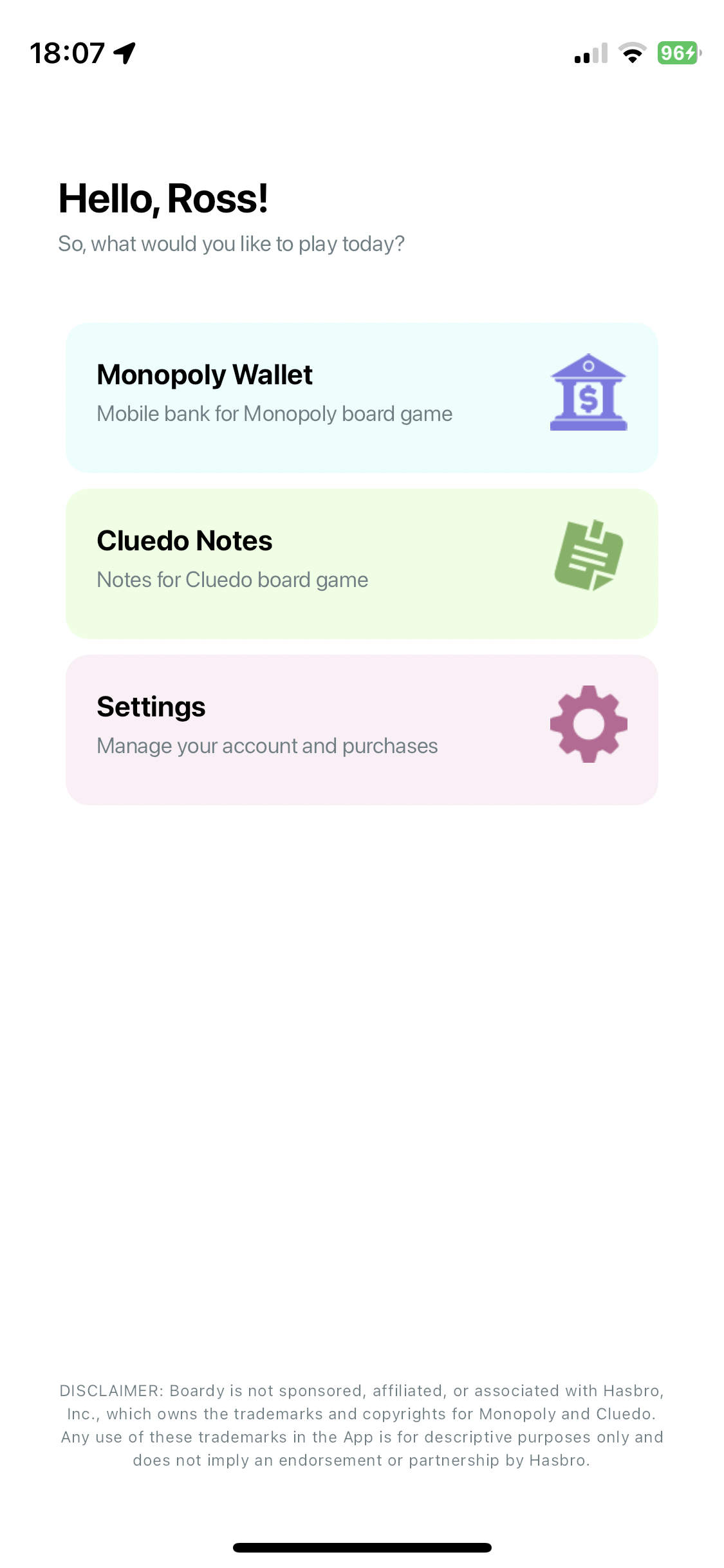
Choose the right tool for tonight's game from one clean home screen.


Mobile bank | Cluedo notes


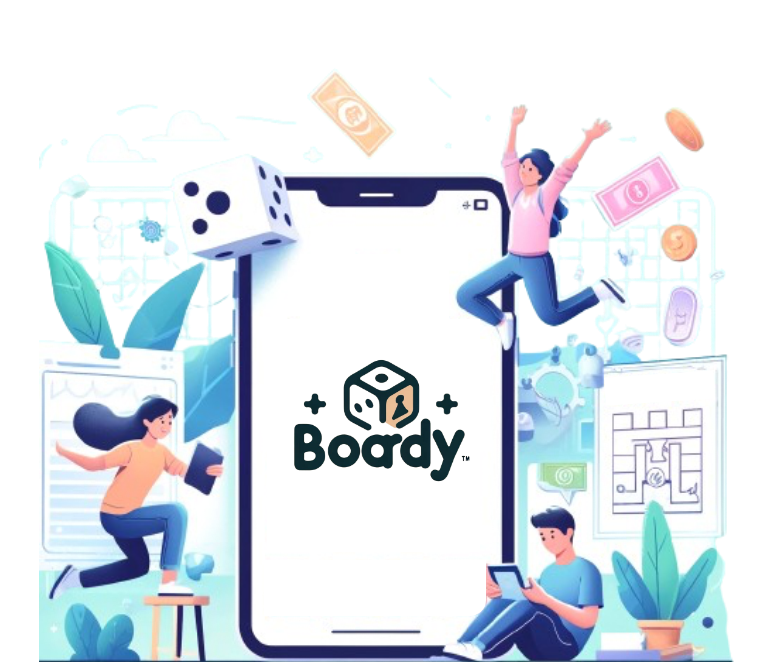


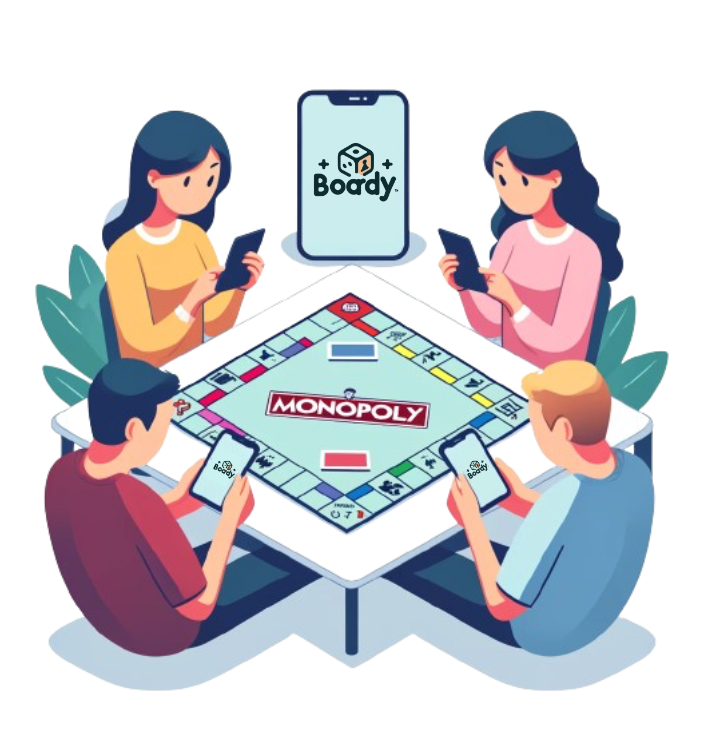
Boardy is built for people already gathered around a real board game table. It takes care of the repetitive admin work like money handling, note tracking, player joins, and session setup so your group can stay focused on playing.
Use it to run a mobile bank for Monopoly, manage private Cluedo notes, join games with QR codes, and reuse templates for faster setup. Boardy does not replace the board game. It keeps game night moving.
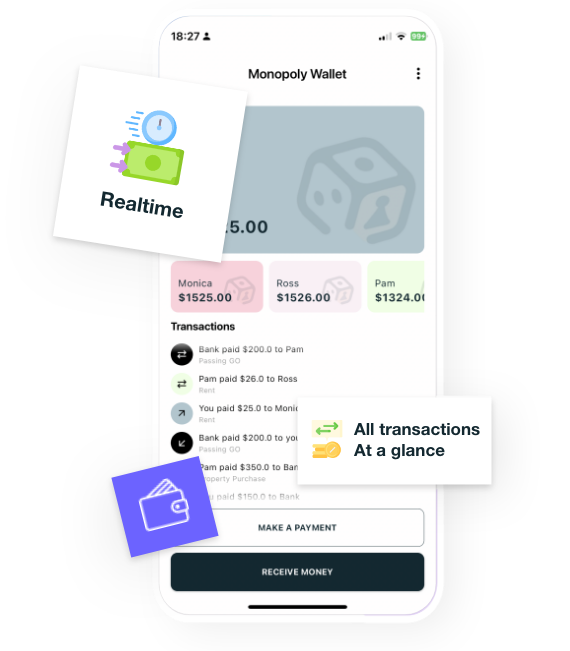

Replace paper cash and bank clutter with a shared mobile wallet built for faster Monopoly sessions.

Run cleaner mystery sessions with ready-made templates, private notes, QR joins, and quick rejoin for active games.

Boardy turns table-side admin into simple, touch-first flows for money, mystery notes, templates, and shared sessions.
Choose the right tool for tonight's game from one clean home screen.
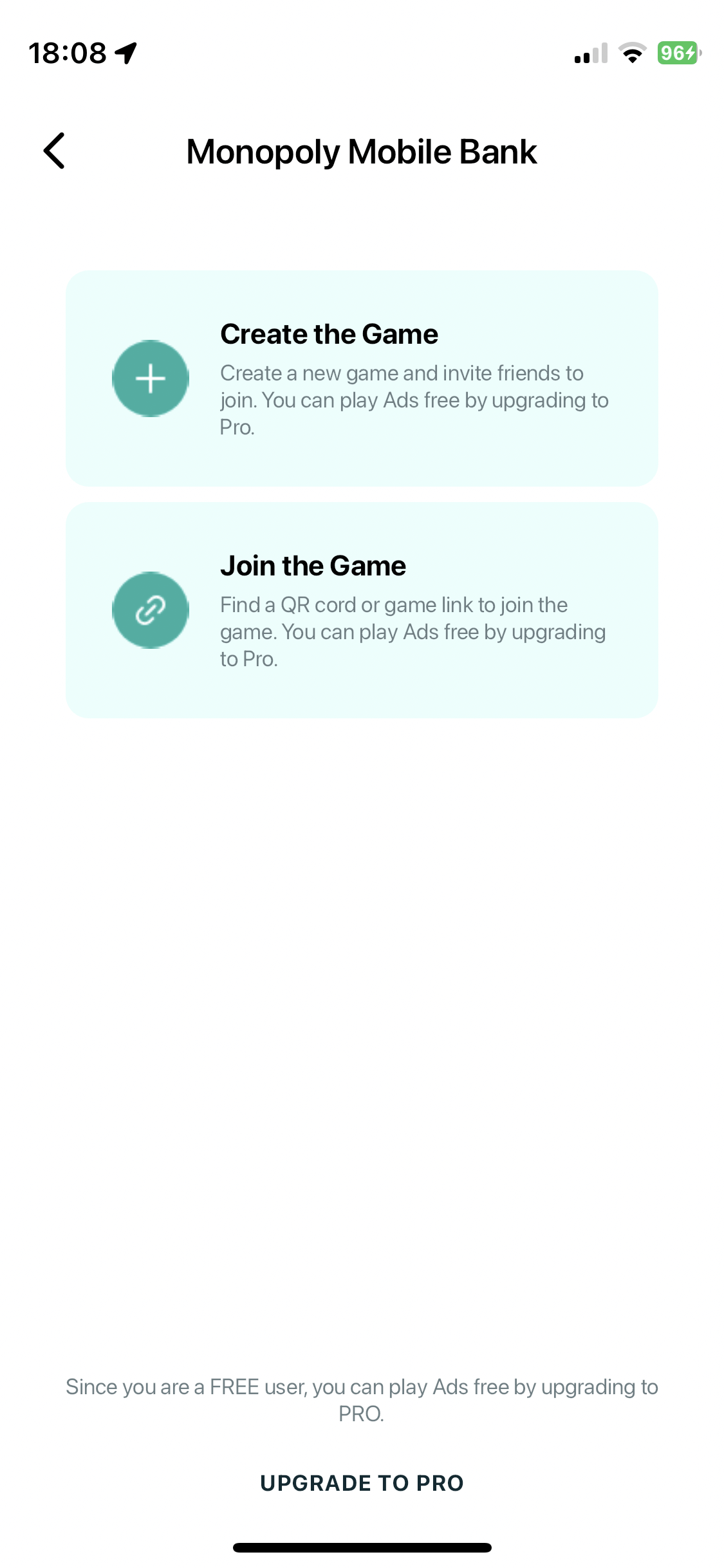
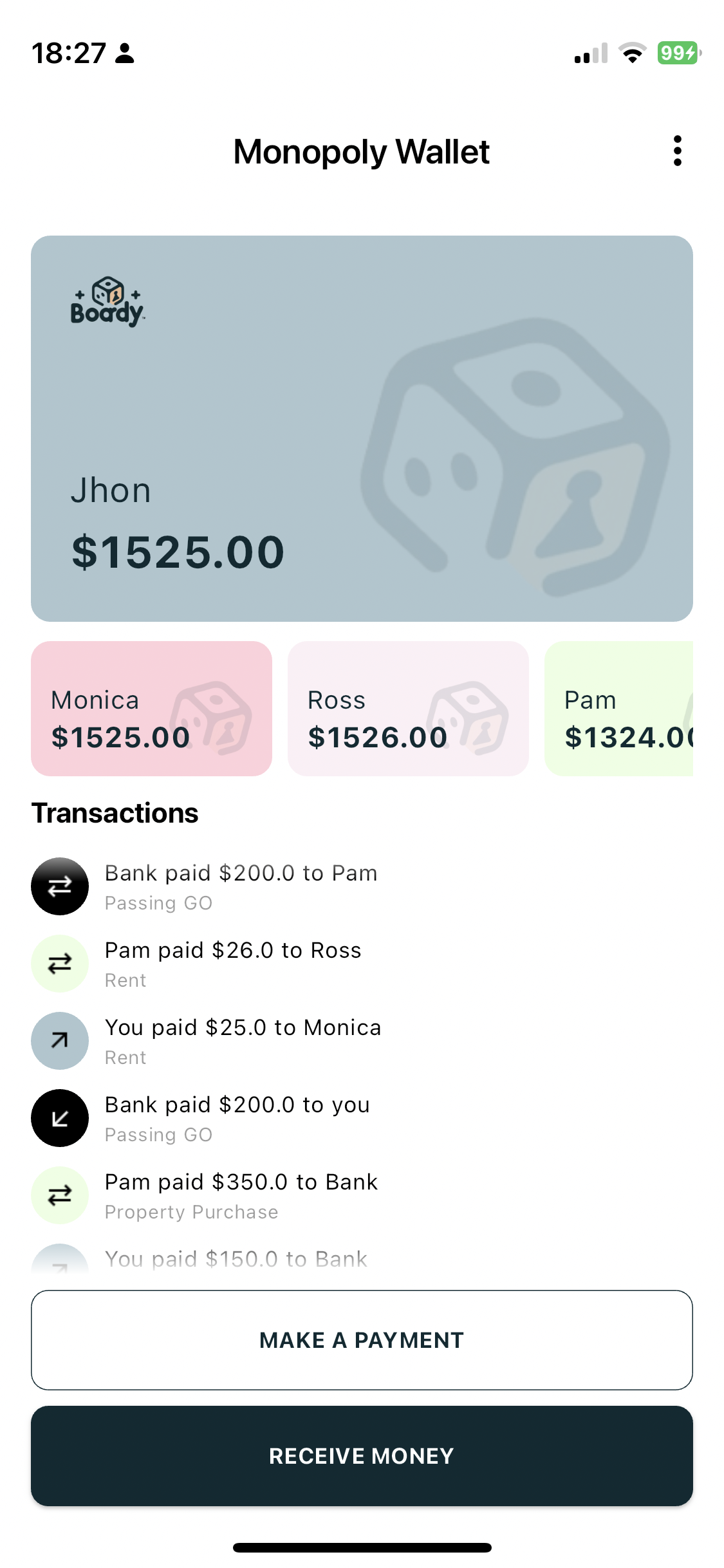
Track balances, pay instantly, and keep the bank moving without paper cash.
Start faster with ready-made mystery setups and reusable session templates.
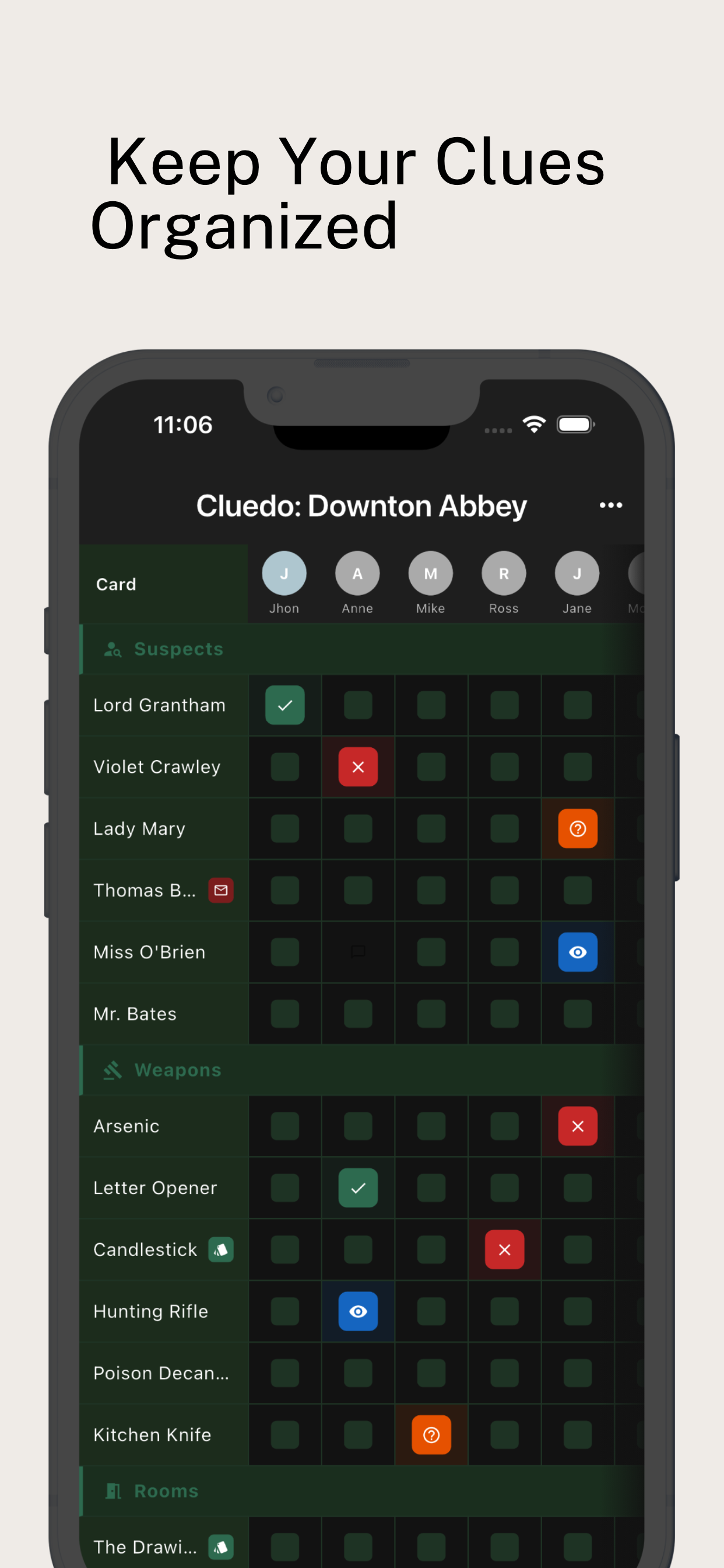
Organize suspects, weapons, and rooms in a focused note grid built for play.
Keep everyone in sync with QR joins and fast rejoin for active games.
Boardy now uses simple ad-free packs instead of a forever-free plan. Pick the option that matches your group, enjoy a cleaner session, and use your credits whenever you need them.
Ideal for casual groups that want smoother, cleaner game nights without committing to a larger pack.
Built for players who use Boardy often and want more uninterrupted sessions ready to go.
If you have any further questions or need additional assistance, please don't hesitate to contact our support team. We're always here to help!
In Monopoly, the starting capital is the amount of money each player receives at the beginning of the game. The salary is the amount of money a player receives when they pass GO on the board. These values can be customized when creating a game in Boardy.
Yes, you can delete your Boardy account. Navigate to the Home screen, tap on "Settings" at the bottom, and select "Delete Account." Please note that deleting your account is irreversible and will remove all your data from Boardy.
Yes. Open Boardy, go to Home > Settings > Upgrade, then tap "Restore Previous Purchase." Use the same store account you used to buy the ad-free pack to recover eligible purchases.
To create a game, select the game you'd like to play (e.g., Monopoly) from the Game Home screen. Tap on the "Create Game" button, and you'll be prompted to set the starting capital, salary, and any other custom rules you want. Once the game is created, invite your friends to join using the unique QR code.
Monopoly Mobile Bank is now available, while Cluedo Notes are on the way!